
For players
Your game master uses Wyrmdesk? Then there is nothing to install. Everything runs in the browser, on laptop, tablet or phone.
Before the first session
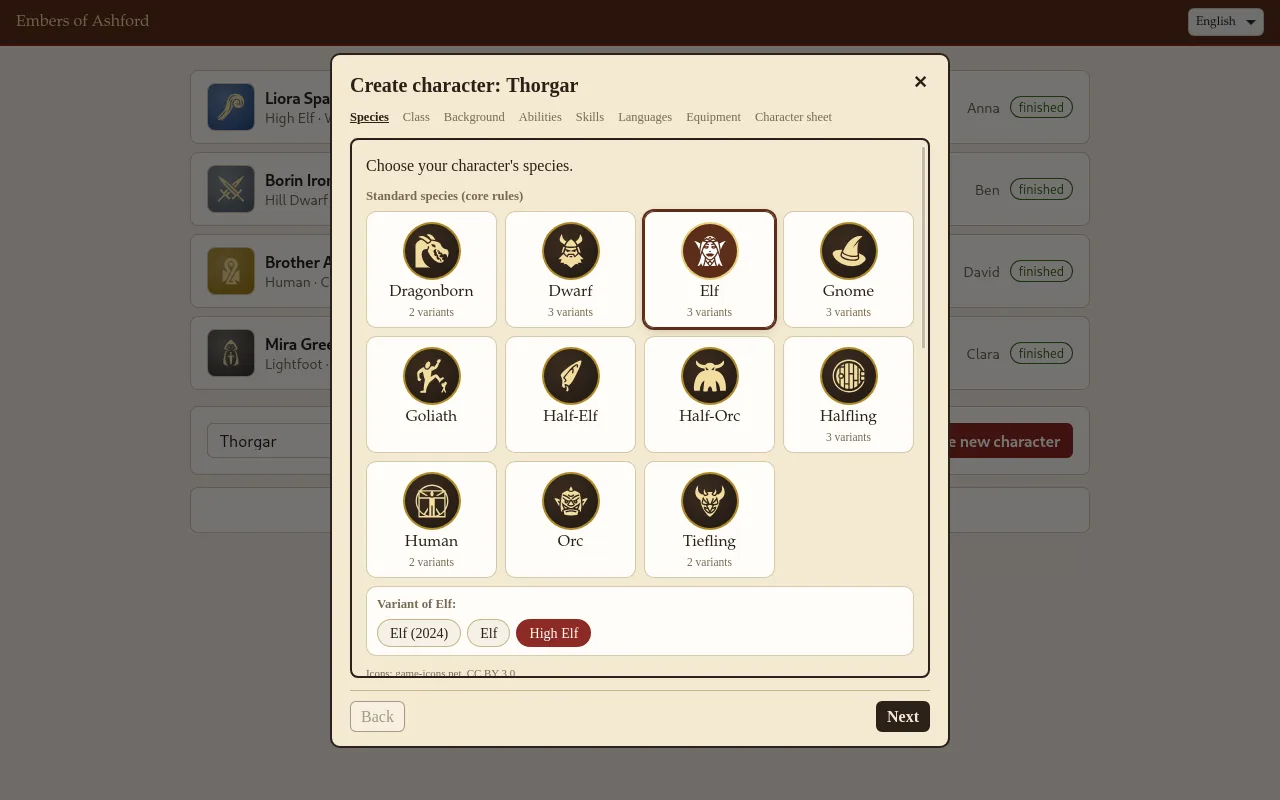
Create your character
- Your game master gives you a link to character creation, maybe with a password.
- There you enter your character's name and your own and choose + Create new character.
- A wizard walks you through species, class, background, feats, abilities, skills, languages, spells and equipment. Whatever the rules decide is filled in already, and each step shows what is still missing.
- At the end you have your finished character sheet. Upload a portrait and mark the character as done with ✓ Mark as finished.
Later you open your sheet through the same link again, for levelling up, for example. If your game master suggests dates, you vote there too.
On game night
Your sheet on your phone
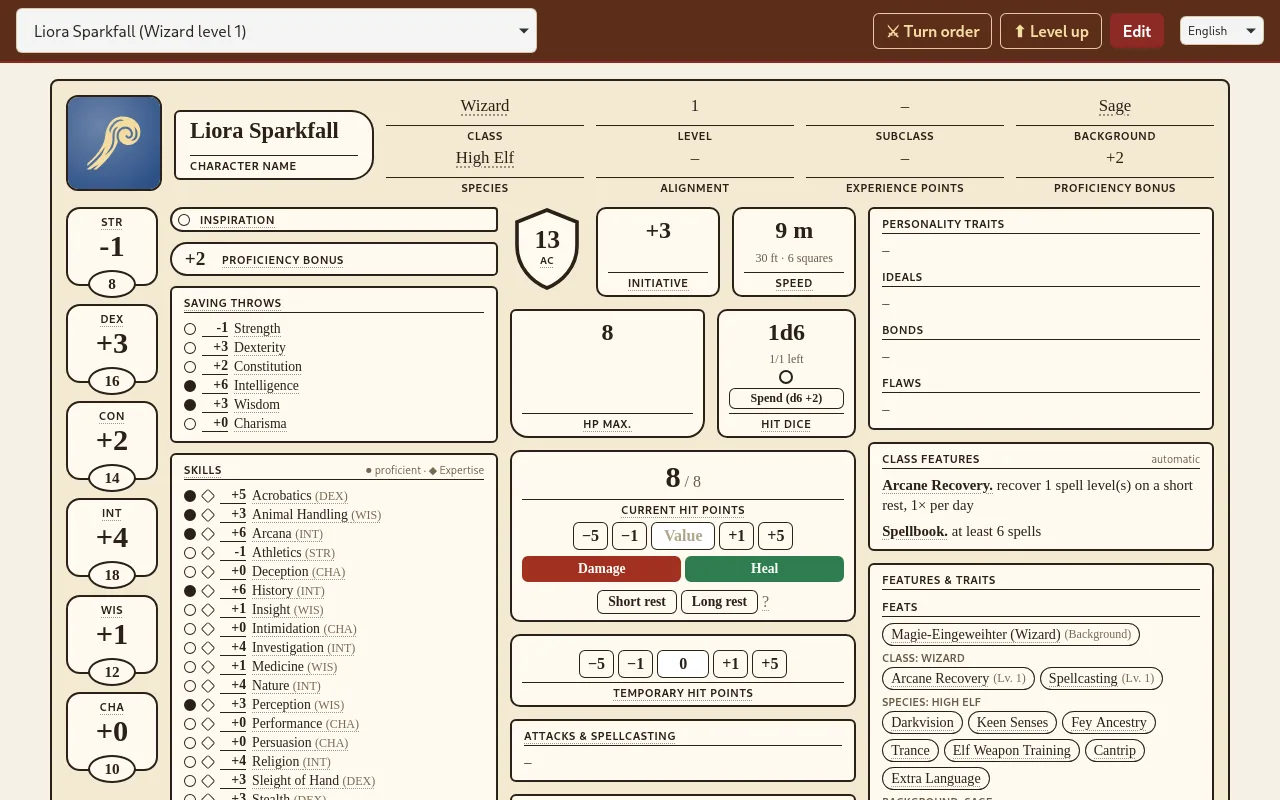
Your game master tells you the address of the player page. There you pick your character at the top and have the full sheet in front of you:
- Change hit points, used spell slots, ammunition and rests right there.
- ⚔ Turn order shows whose turn it is.
- Underlined terms explain themselves when you tap them.
Maps, letters and pictures appear on the projector or screen at the table.
English or German
Choose the language at the top right of the header. It applies to your browser.
Running a game yourself? Here are the features for game masters.